
Drone photos with GPS: how to preserve location data in images
Updated
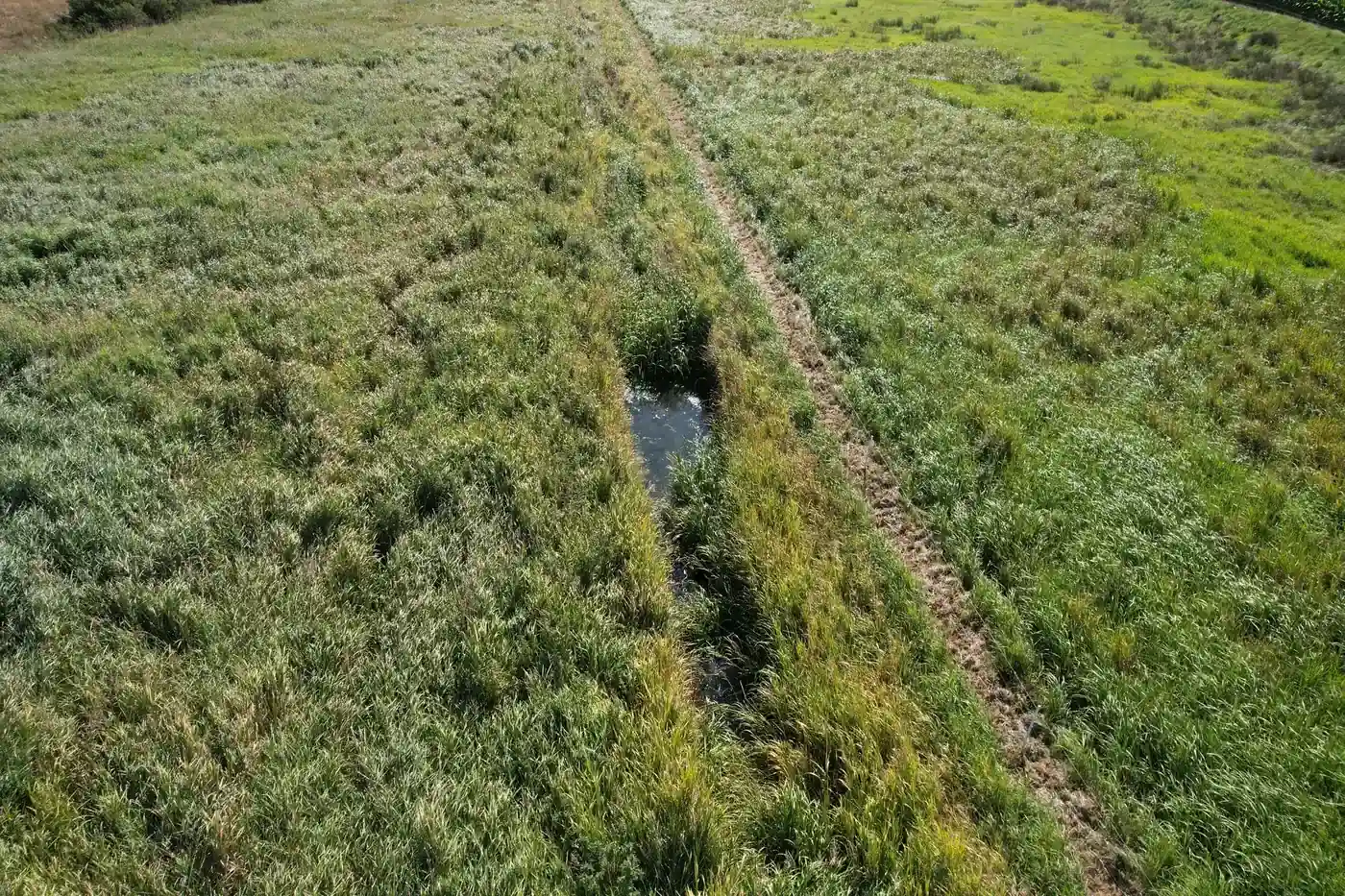
A drone photo without location data is a nice picture. With a location and timestamp, it becomes a data point that can be placed on a map and compared with later flights.
Where is location data stored?
Most drones store latitude, longitude, altitude and a timestamp in the image file's EXIF data. Many also store additional information in XMP, such as the direction the camera is pointing.
How is it lost?
- When images are scaled down or exported from certain programs.
- When images are sent via messaging services that remove metadata.
- When images are inserted into documents and then extracted again.
How to preserve it
- Keep the original files from the drone's memory card unchanged.
- Upload the originals to the system that will place them on a map.
- Use scaled-down copies only for viewing, and retain the link to the original.
When location data needs to be removed
For public use, such as on a website, it may be appropriate to remove location data so that a landowner's land cannot be located. Do this on a copy, not on the original.
Frequently asked questions
What is EXIF?
EXIF is a standard for metadata in image files, such as camera model, timestamp and GPS location.