
Danmarks Arealinformation: find § 3 protected habitats and low-lying land on the map
Updated
Danmarks Arealinformation (Denmark's land information mapping portal) is where most people start when they want to see what applies to a particular area of land. Here are the first steps.
What is it?
Danmarks Arealinformation is the mapping service provided by Danmarks Miljøportal (Denmark's environmental portal), with data on land use, nature conservation and regulations. Danmarks Miljøportal is a public-sector partnership owned by central government, municipalities and regions.
How to find protected habitats
According to the guidance from Danmarks Miljøportal, zoom in on the area, open the layer selector, choose to add a layer and search for protected habitat types. Click on an area of land to view details.
Points to bear in mind
The registration of § 3 habitats (habitats protected under section 3 of the Danish Nature Protection Act) is indicative. Whether an area is protected depends on its condition on the ground, which can change. Speak to the municipality if there is any doubt.
From maps to documentation
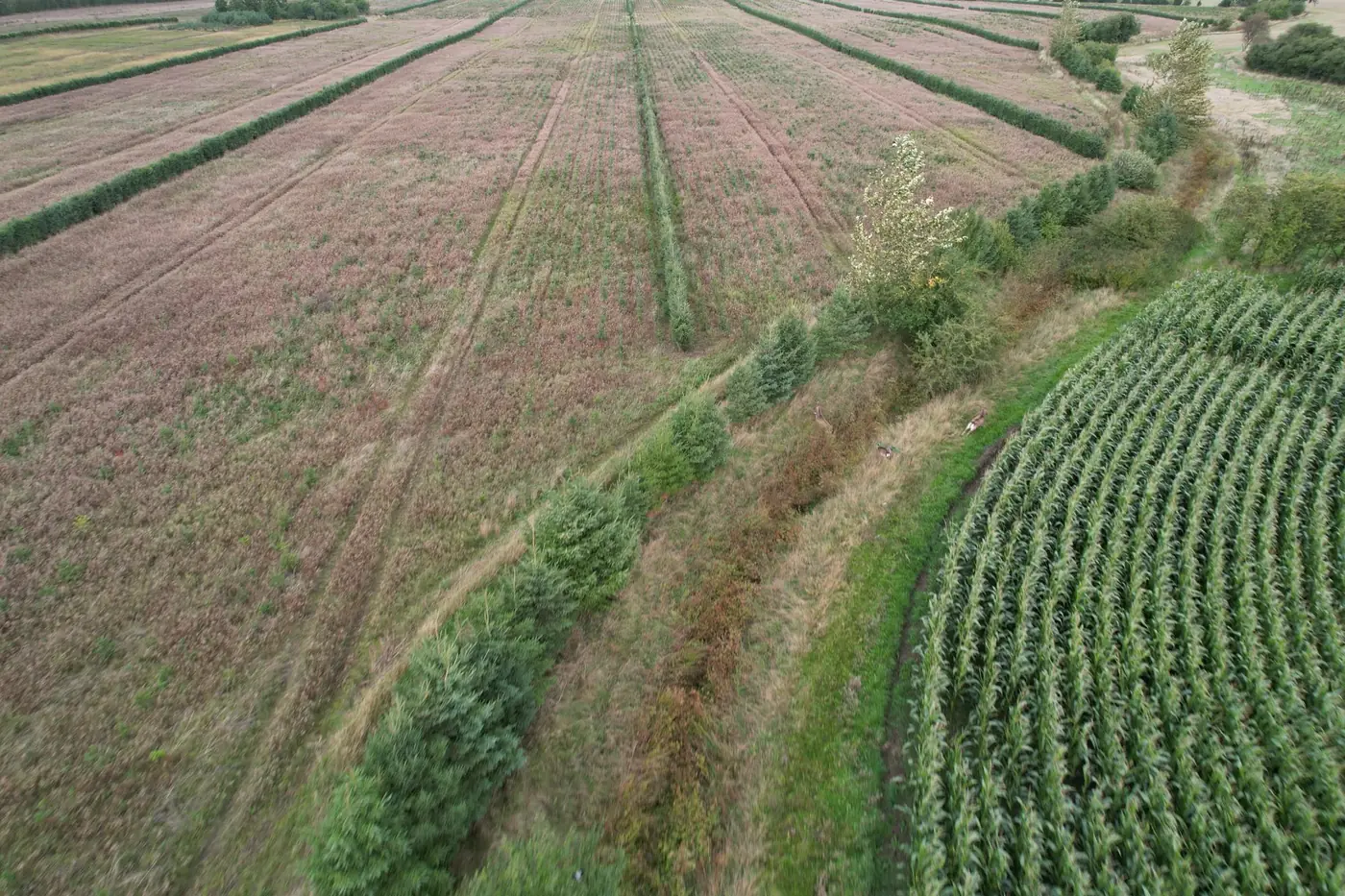
The map shows what has been registered. A drone photograph of the same location shows what is actually there today. Freyra places the two side by side for each point, making differences visible so they can be assessed by professionals.
Frequently asked questions
Is the § 3 map legally binding?
No. Protection depends on the condition of the habitats on the land. Registration on the map is indicative.